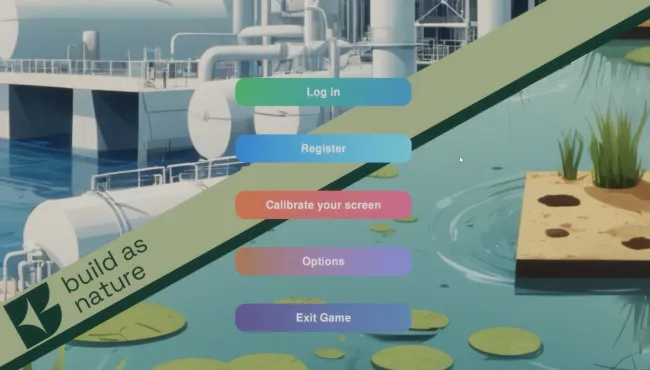
Both the teacher and student experience take place entirely within the Build as Nature application. The software is organized around scenarios, which define the learning experience. Teachers can create their own scenarios or duplicate existing public ones, adapting them to suit their teaching needs. Public scenarios can also be shared with other educators, encouraging collaboration and the development of a growing library of reusable educational content. Every scenario created or duplicated by a teacher is stored in their private scenario list. Teachers can create rooms and slot their scenarios into them.
Each room is assigned a unique, automatically generated code that teachers can share with their students. Students can use this code to enroll in a room and experience the selected scenario, browse publicly available scenarios and play them. Before starting, students can read the room and scenario description, begin a new playthrough or continue from a previous session.
This manual explains how to use Build as Nature from both the teacher's and the student's perspective and describes all aspects of the software. Throughout the manual, students may also be referred to as players, while teachers may also be referred to as content creators. The term user is used whenever the instructions apply equally to both.
Build as Nature is a work in constant progress. The tool is updated frequently to add features and correct bugs — up to several times a day. Until the software reaches its final version, this manual is also a work in progress.
You may find discrepancies between some screenshots and the actual images in the software or notice that a recent feature is not yet described. This simply means a new version of the manual is on its way.
If you have any questions, please feel free to email the lead developer, who will answer promptly: olivier.heidmann@gmail.com.