Download the Game
Students also have to download the launcher of the game via this link: https://tinyurl.com/2cvs77k2.
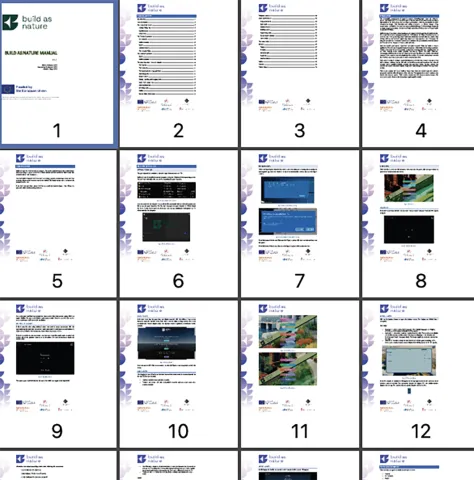
The install process is described at page 6 to page 9 of the manual. Please refer this step by step guidance. You can download the manual.
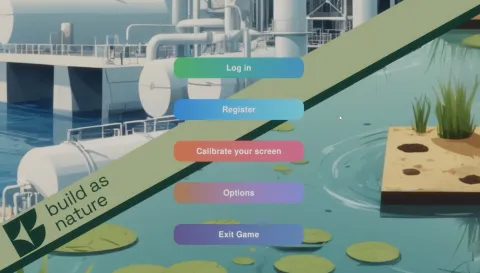
If this is your first time using Build as Nature, you need to create an account. Click the registration option and enter a username and a password. No real name or email address is requested, to minimize the amount of personal data kept on our servers.
There are three categories available on the home screen:
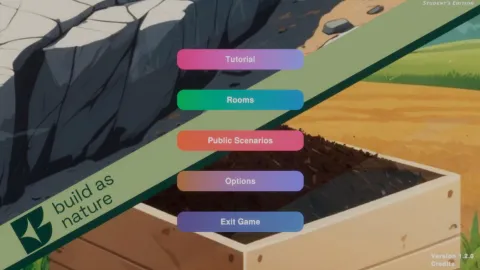
Teachers have various options for designing lessons in the game Build As Nature. Their start screen contains the following options:
1. Tutorial
2. My Scenarios
3. Rooms
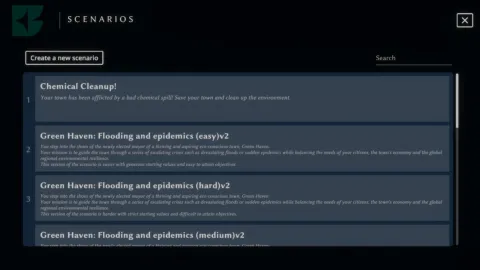
4. Public Scenarios
Explanations for the public scenarios are available for download on this website under the "Teacher" menu item. To access these, you must first register as a teacher on this website.
My Scenarios
Both the teacher and student experience take place entirely within the Build as Nature application. The software is organized around scenarios, which define the learning experience. Teachers can create their own scenarios or duplicate existing public ones, adapting them to suit their teaching needs. Public scenarios can also be shared with other educators, encouraging collaboration and the development of a growing library of reusable educational content. Every scenario created or duplicated by a teacher is stored in their private scenario list.